An IPTV box is still the most flexible way to watch live TV in the USA. Unlike a Smart TV, an Android box lets you install any app IPTV you want, keeps receiving updates for years, and can be moved between rooms or taken on holiday. It also turns an older television with a spare HDMI port into a fully modern streaming set-up.
The confusion usually starts with hardware. IPTV box prices range from $30 no-name devices to $150 flagship players, and the cheap ones often ship with outdated Android builds that cannot run the best IPTV player apps or decode 4K. Buyers also mix up a streaming box with an HDMI to IPTV converter, which is a completely different product used to push a camera or player signal out onto a network.
This guide explains what to buy, how much to spend, and exactly how to install and configure your player on an Android box in the USA. Follow the steps and you will be watching sports, movies and locals within about ten minutes of unboxing. If you would rather skip the setup, message our team on WhatsApp — activation and configuration are included with every IPTV Services plan, and you can compare options on the pricing page before you commit.
Not subscribed yet? Compare plans on our IPTV pricing page or browse the full channel list.
How to install IPTV on Android TV box, step by step
Step 1: Choose the right box
Look for Android 11 or newer, at least 2 GB of RAM, 16 GB of storage, AV1 or HEVC decoding and Gigabit Ethernet. Typical IPTV box prices for a device that meets this spec are $60 to $120 in the USA.
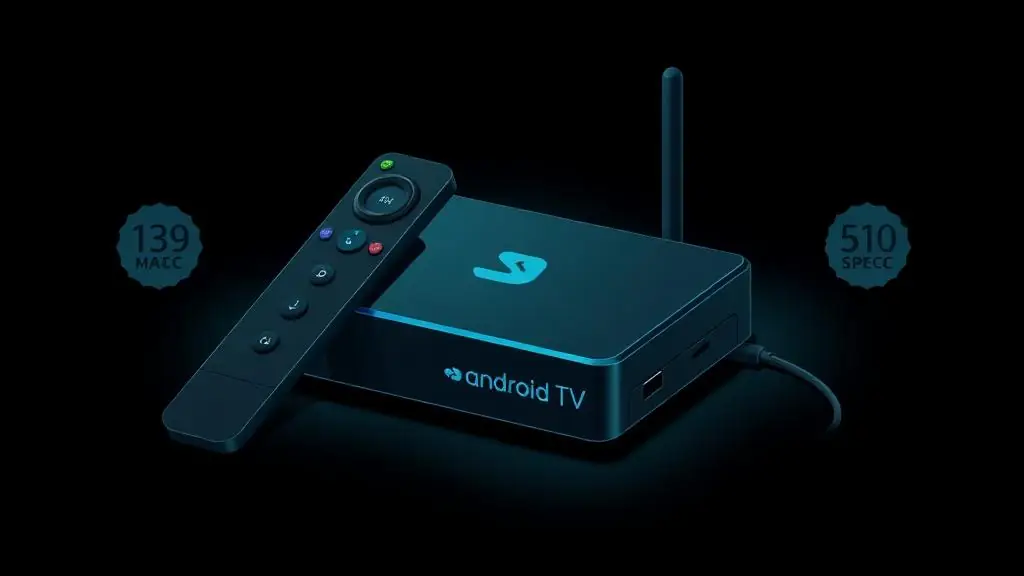
Android TV box hardware specification sheet. Step 2: Connect and update the box
Plug the box into an HDMI port, connect Ethernet if possible, sign in to your Google account and install every pending system update before adding apps.
Step 3: Install your IPTV player
Open Google Play and install IPTV Smarters Pro or Tivimate. If your box lacks Play Store access, install Downloader and sideload the APK link we provide.
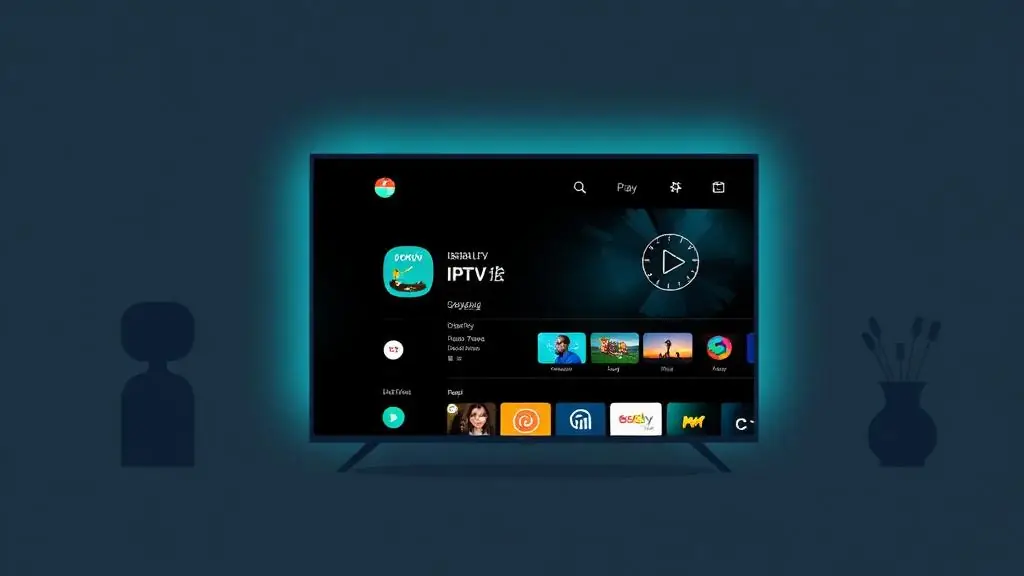
Google Play listing for the IPTV player app. Step 4: Add your subscription
Launch the player, choose Xtream Codes API, and enter the portal URL, username and password from your activation message. An M3U link works too if you prefer.
Step 5: Connect an HDMI to IPTV converter (optional)
If you need to send a local HDMI source over the network — a camera, console or player — connect it to an HDMI to IPTV encoder, assign it a network address, and add its stream URL as a custom channel in your player.
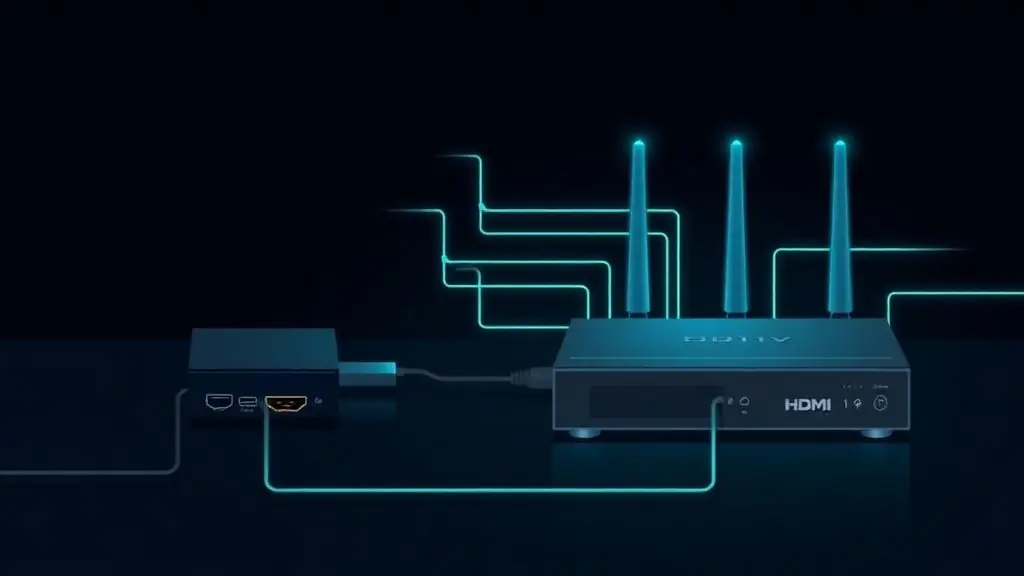
HDMI to IPTV encoder wired between a source device and a router. Step 6: Tune performance
Set hardware decoding, enable the EPG, and keep the box on Ethernet for 4K sports. Reboot the box weekly to keep the player cache clean.
Want us to set it up for you?
Send us a message and our team activates your line and configures Android TV box in minutes — 24/7 on WhatsApp.
Get Your IPTV Setup NowFrequently asked questions
Setting up another device?
One subscription works on every device below — see all of them on the setup guides hub.
- IPTV on Amazon Fire TV StickSideload Downloader and IPTV Smarters Pro, enter your login and clear the 'failed to authorize' error.
- IPTV on Samsung, LG & Android TVIdentify your TV platform, install the right player and tune 4K playback without a streaming stick.
- IPTV on iPhone and iPadChoose an iOS player, allow local network access, load the guide and cast to a bigger screen.
- IPTV on Windows 10 and 11Load a playlist or portal on a desktop player, add the EPG and enable hardware acceleration.